
Build grounded chatbots from your favorite agentic tools with MCP
Connect Codex, Claude Code, Cursor, VS Code, Zed, ChatGPT desktop, OpenCode, or another compatible client to IMFA. Create, inspect, update, test, and publish a managed chatbot from the workflow where you already build.
What is an MCP AI chatbot workflow?
The Model Context Protocol, or MCP, gives an AI client a structured way to discover and call capabilities exposed by a server. The official MCP architecture separates the host, client, and server, while servers expose focused resources, prompts, and tools.
With the IMFA MCP server, your favorite agentic tool can manage owned chatbots without operating the customer-facing infrastructure itself. Codex, Claude Code, Cursor, VS Code, Zed, ChatGPT desktop, OpenCode, and other compatible clients can work with IMFA through a controlled MCP connection.
Your client can create a draft, inspect its configuration, update its identity and behavior, test a published agent, and publish only after an explicit request. IMFA continues to manage knowledge retrieval, sessions, customer channels, protection rules, and the production agent lifecycle.
Start with the agentic AI chatbot builder, or open your IMFA MCP settings to connect a client you already use.
Why build an IMFA chatbot through MCP?
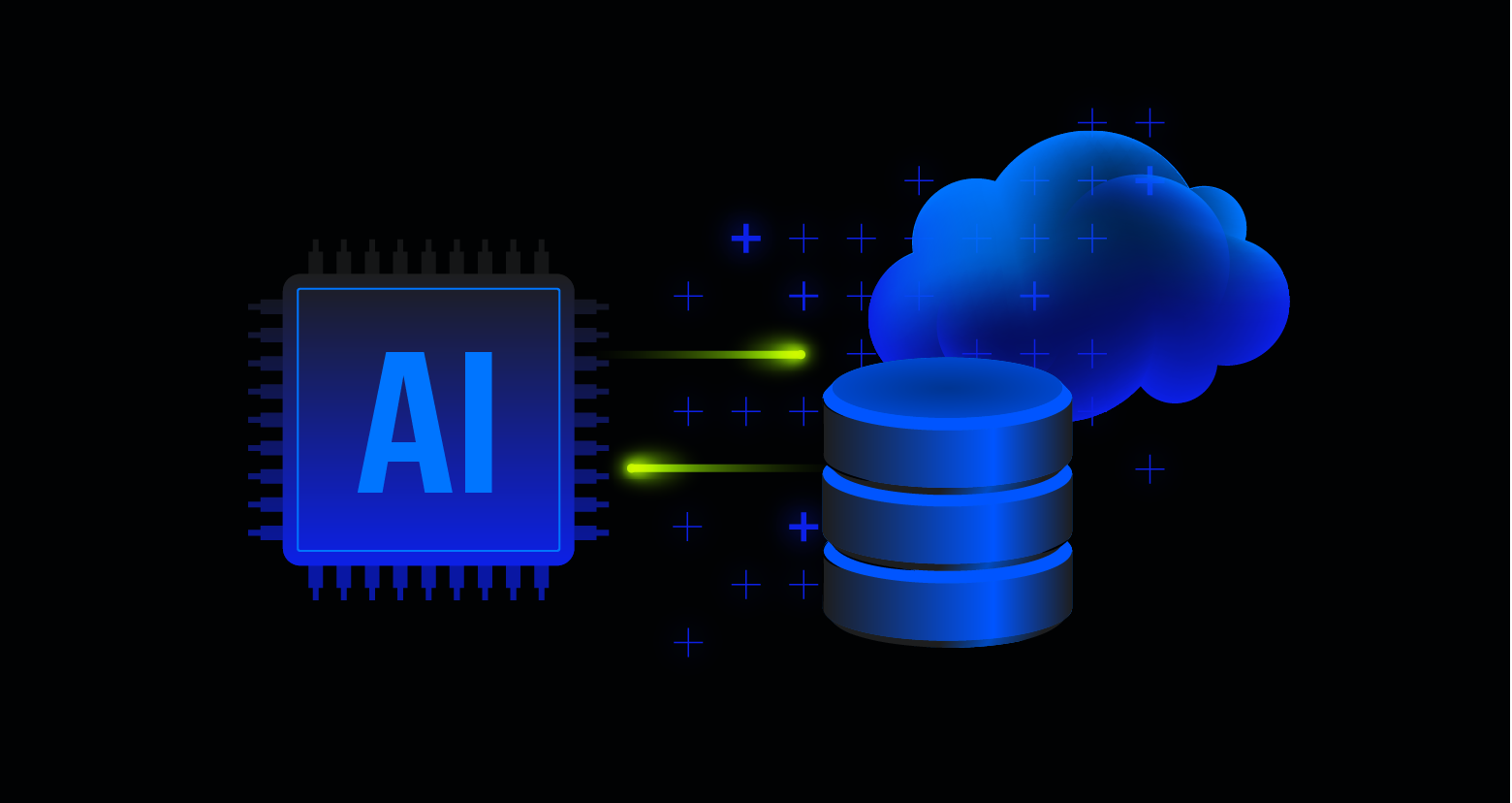
MCP brings the chatbot control plane into an agentic development workflow. IMFA keeps the finished customer experience managed, consistent, and reviewable after the coding session ends.
Work from the tools you already use
Connect Codex, Claude Code, Cursor, VS Code, Zed, ChatGPT desktop, or OpenCode and describe the chatbot in natural language. The client can discover the IMFA tools allowed by its token instead of relying on copied commands or an improvised integration. IMFA includes configuration guidance for its listed clients, while OpenCode can use its documented remote MCP server and header configuration.
Create a complete draft faster
Describe the customer job, audience, tone, boundaries, greeting, personality, and initial design. The IMFA create_agent tool prepares a valid, publish-ready draft. It never publishes that draft automatically.
This is where MCP improves performance in a practical sense. Your team spends less time moving configuration between tools or rebuilding retrieval, session, publishing, and channel infrastructure. It is a faster operating workflow, not a claim that every model response has a guaranteed latency.
Ground answers in approved knowledge
Add supported documents and eligible public webpages to the agent in IMFA. At answer time, retrieval-augmented generation, or RAG, searches the agent's isolated knowledge collection and gives the model relevant approved context.
Grounding reduces dependence on general model memory. It also lets a chatbot say that the available knowledge does not contain an answer instead of inventing one. Read the full RAG AI agent guide for supported sources, testing, and prompt-injection boundaries.
Keep drafts separate from production
An MCP client can inspect and update the draft while customers continue using the published version. The owner reviews the result, tests realistic questions, and explicitly requests publishing only when the new version is ready.
That boundary matters. A productive agentic tool should be able to help quickly without silently turning every edit into a public customer interaction.
Limit every client connection
Create one MCP token per client or environment. Choose read-only access when the client only needs to inspect agents. Choose full access only when it must create, update, or publish.
IMFA filters tool discovery by token scope, and each tool checks agent ownership. The full token is shown once and only its hash is stored. Keep the value in an environment variable or private client setting, never in source code, a public repository, logs, or a shared configuration file.
A practical MCP workflow for a production chatbot
Treat the agentic client as a controlled operator. Keep the knowledge and permissions narrow, then require evidence before the chatbot reaches customers.
Create one scoped MCP token per client
Give a laptop, editor, or automation environment its own credential so you can revoke that connection independently. Start with read-only access unless the current job genuinely requires writes.
Describe the customer outcome and boundaries
Tell the client who the chatbot serves, which questions it may answer, which sources are authoritative, when it must admit uncertainty, and when it should hand the conversation to a person.
Add approved knowledge and inspect the draft
Use IMFA knowledge sources for business facts, then ask the client to inspect the normalized draft and publication state. Retrieved documents and webpage excerpts remain untrusted data and do not become system instructions.
Test direct, ambiguous, and adversarial questions
Test ordinary customer requests, missing information, conflicting documents, misleading instructions inside sources, prompt-injection attempts, and channel-specific behavior. Fix weak answers before requesting publication.
Publish explicitly and monitor conversations
Publish only the reviewed draft. Use IMFA session and message history to find recurring gaps, improve the private draft, retest it, and publish the next approved version.
MCP improves the workflow, not the model's truthfulness by itself
MCP standardizes how an AI client reaches tools and context. It does not decide whether a source is correct, whether a retrieved passage answers the question, or whether the model will follow every instruction perfectly.
MCP does not guarantee correct answers
No honest AI platform should promise a chatbot with zero hallucinations. A model can still misunderstand a customer, retrieve the wrong passage, combine conflicting sources, or produce an unsupported claim.
Approved RAG sources, clear refusal behavior, adversarial tests, and human review for critical outputs reduce this risk. Keep source material current and remove outdated documents rather than asking the model to guess which version is authoritative.
MCP does not make every tool safe
MCP tools can read data or change external state. The protocol's official authorization specification emphasizes protected resources, token validation, and least-privilege scope selection.
For IMFA, use a read-only token for inspection. Creating, updating, and publishing require full access. Review the requested action, keep credentials isolated, and revoke a token immediately when its device or configuration is no longer trusted.
Managed infrastructure removes repeated work
IMFA manages agent configuration, retrieval, sessions, channels, publishing, and protection rules around the chatbot. The agentic client can focus on the requested customer outcome instead of rebuilding the same platform layers for every project.
This division is useful for agencies and technical teams. An agentic tool can help shape and maintain the chatbot, while IMFA provides the managed system that actually serves customers.

One managed chatbot after the MCP session ends
MCP is the management connection. Customers do not need your MCP token and should not interact with the management client. They use the published IMFA agent through the surface designed for them.
Website chatbot
Embed the published chatbot on a website with the approved design, greeting, knowledge, and behavior.
WhatsApp, Telegram, and Discord
Connect supported messaging identities to the same managed agent. You do not need a separate prompt and knowledge collection for every channel.
Eligible voice experiences
Eligible agents can use the same managed knowledge and behavior in supported real-time voice experiences.
Trusted server applications
When custom software needs to chat with the published agent, use the IMFA Agent API from trusted server infrastructure. Generate a separate agent-scoped REST key for that production integration. An account-scoped MCP token is a management credential and cannot replace the REST key.
A security checklist before publishing
- Use one MCP token per client or environment.
- Select the smallest access level that completes the task.
- Store tokens only in an environment variable or private client setting.
- Keep business facts in approved, current knowledge sources.
- Tell the chatbot how to handle missing or uncertain information.
- Test prompt injection, conflicting sources, and out-of-scope questions.
- Inspect the draft and require explicit intent before publishing.
- Use a separate agent-scoped REST key for production server calls.
- Revoke credentials when a device or configuration is no longer trusted.
- Review critical customer, legal, medical, and financial outputs with a qualified person.
Frequently asked questions about MCP AI chatbots
Clear answers about MCP compatibility, hallucinations, permissions, publishing, credentials, and customer channels.
Does MCP eliminate chatbot hallucinations?
No. MCP gives an AI client structured access to tools and context, but it does not make a language model infallible. Approved RAG knowledge, clear refusal behavior, realistic evaluations, and review of critical outputs can reduce unsupported answers.
Which agentic tools can connect to IMFA through MCP?
IMFA provides setup guidance for Codex, Claude Code, Cursor, VS Code, Zed, and ChatGPT desktop. OpenCode and other MCP clients can also be compatible when configured for the required remote connection and bearer token header.
Can an MCP client publish an IMFA chatbot automatically?
Creating an agent produces a draft and never publishes it. Publishing requires full access and should occur only after the owner explicitly asks to make the reviewed draft public.
How should I protect an IMFA MCP token?
Create a separate token for each client or environment, choose the smallest useful access level, store it in an environment variable or private client setting, and revoke it immediately when the device or configuration is no longer trusted.
Is an MCP token the same as an IMFA REST API key?
No. An MCP token is account-scoped for managing owned agents through an MCP client. A REST API key is agent-scoped and is the credential a trusted production server uses to communicate with one published agent.
Can the same chatbot work on web, messaging, voice, and an API?
Yes. A published IMFA agent can keep the same approved instructions, RAG knowledge, model, skills, and behavior across the website chatbot, supported WhatsApp, Telegram and Discord connections, eligible voice, and trusted REST integrations.
Ready to manage your first chatbot from an agentic tool? Create an IMFA agent, connect your MCP client, and keep the first version private until its knowledge, answers, permissions, and publishing state are ready.